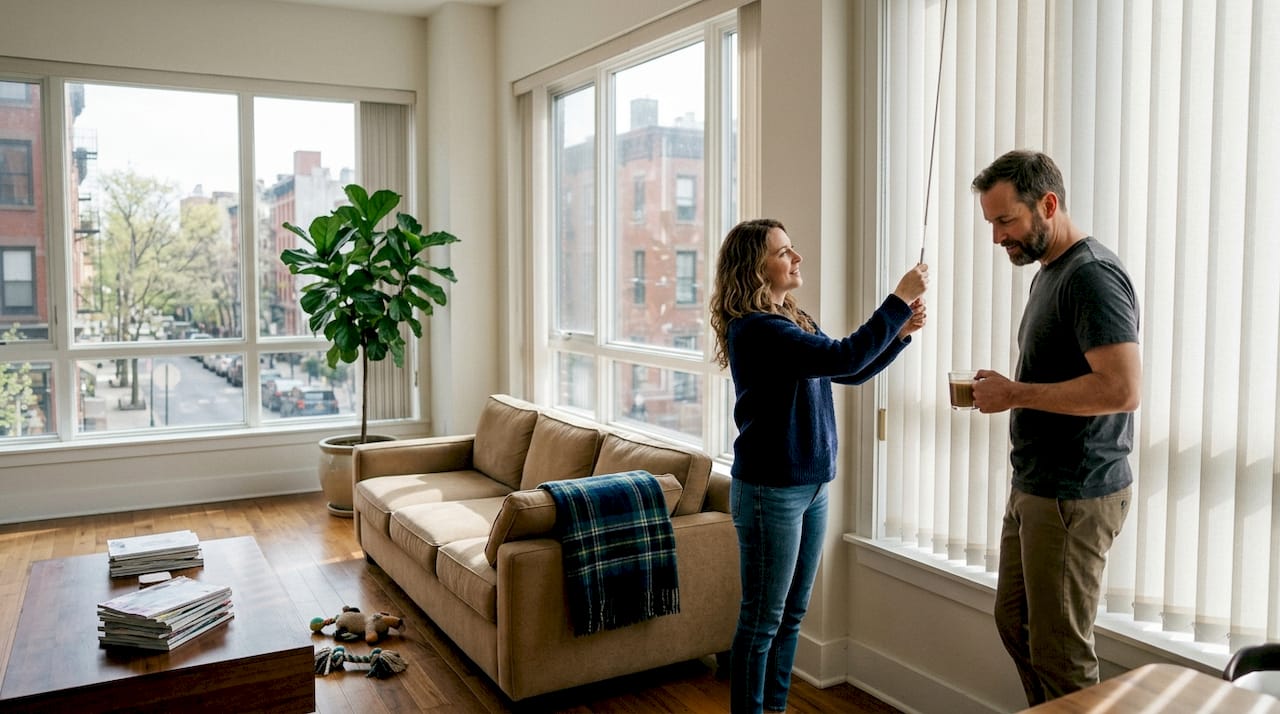


Motorized Shade Maintenance: Keep Shades Like New
TL;DR:
- Regular maintenance prevents operational issues and extends the lifespan of motorized shades.
- Clean shades carefully using a soft cloth and compressed air, avoiding liquids near electronics.
- Troubleshoot common problems like unresponsiveness and uneven movement through simple DIY checks.
Motorized shades feel like magic the first time you tap a button and watch them glide into place. It’s easy to assume they’ll keep doing that forever without any help from you. But here’s the reality: these systems have motors, sensors, batteries, and fabric that all need attention. Skip that attention, and you’ll start noticing slower response times, strange noises, and eventually, a shade that just stops working. This guide walks you through everything you need to know, from safe cleaning methods to motor checks and quick troubleshooting fixes, so your investment keeps paying off year after year.
Table of Contents
- Why motorized shade maintenance matters
- Routine cleaning: Keeping shades spotless and operational
- Motor and mechanism checks: Ensuring reliable operation
- Troubleshooting common motorized shade issues
- A professional perspective: What most people overlook in motorized shade maintenance
- Upgrade your shades with expert solutions from Value Blinds™
- Frequently asked questions
Key Takeaways
| Point | Details |
|---|---|
| Routine care matters | Regular maintenance prevents breakdowns and extends the life of motorized shades. |
| Clean carefully | Use only dry or lightly damp cloths and avoid water near motorized components. |
| Listen for changes | Strange sounds or movements often signal early problems—address them promptly. |
| Troubleshoot smart | Check batteries, power, and remotes first before calling for help. |
| Update software | Keep smart shades’ firmware updated for best performance and security. |
Why motorized shade maintenance matters
Let’s bust a myth right away. Motorized shades are not a “set it and forget it” product. They’re a mechanical and electronic system installed in your home, and like any system, they need regular care to perform well. Many homeowners are surprised to learn that common motorized shade problems often trace back to something as simple as dust buildup or a missed battery change.
The stakes are real. A motorized shade that isn’t maintained can develop sluggish movement, fail to respond to commands, or wear out its motor years ahead of schedule. That’s a costly outcome for what should be a long-term home upgrade. According to our complete motorized shades overview, regular maintenance prevents most common operational issues before they become expensive repairs.
Here’s what happens when maintenance gets skipped:
- Noise buildup: Dust and debris in the track cause grinding or rattling sounds during operation.
- Jamming: Fabric or mechanical parts catch on accumulated grime, causing the shade to stop mid-travel.
- Increased energy use: A struggling motor draws more power to compensate for friction or resistance.
- Shortened lifespan: Components wear out faster when they’re not clean, lubricated, or properly calibrated.
- Signal issues: Dirty or corroded battery contacts can disrupt power delivery to the motor and remote receiver.
Think about it this way: up to 80% of motorized shade failures stem from a lack of basic upkeep. That’s not a small number. It means the vast majority of service calls and replacements could have been avoided with a simple monthly routine.
Beyond avoiding problems, maintenance actively improves your experience. Shades that are cleaned and checked regularly respond faster, move more smoothly, and do a better job of blocking light or insulating your windows. If you use your shades for energy efficiency, a well-maintained unit performs noticeably better than a neglected one. The benefits stack up quickly when you stay consistent.
Now that you know why ignoring maintenance can cost you, let’s get hands-on with how to keep your shades clean and trouble-free.
Routine cleaning: Keeping shades spotless and operational
Cleaning motorized shades is not the same as cleaning regular blinds. The electronics change everything. You need to be deliberate about what you use and how you apply it.
Safe supplies to have on hand:
- A soft microfiber cloth
- A gentle brush with soft bristles
- A can of compressed air (air duster)
- Mild dish soap diluted in water (for spot cleaning only)
- A dry cotton swab for tight corners
Never reach for bleach, abrasive scrubbers, or all-purpose spray cleaners. Using the wrong cleaning method can damage electronic components, and that damage is often not covered under warranty.
Here’s a simple step-by-step process for cleaning window shades safely:
- Disconnect power first. Unplug the shade or switch off the power source before you touch anything. This protects both you and the electronics.
- Dust the fabric. Use your soft brush or microfiber cloth to wipe down the fabric from top to bottom. Work gently to avoid stretching or warping the material.
- Use compressed air on tracks and mechanisms. A quick burst of air dislodges dust from hard-to-reach areas around the motor housing and side channels.
- Spot-clean stains. Dampen your cloth with the diluted soap solution and dab (don’t rub) any visible stains. Let the area air dry completely before restoring power.
- Check battery and motor compartments. Use a dry cotton swab to clear any dust or moisture from these areas. Even small amounts of trapped moisture can corrode contacts over time.
- Never spray liquid directly onto the shade. Always apply cleaning solution to your cloth first, then to the fabric.
“The number one enemy of motorized shade longevity is trapped dust and moisture around moving parts.”
Pro Tip: Set a monthly reminder to dust your shades. It takes less than five minutes and prevents the kind of buildup that requires a full deep clean.
With your shades free of dust and stains, focus shifts to the upkeep of the motor and smart features.
Motor and mechanism checks: Ensuring reliable operation
The fabric is what you see, but the motor is what makes everything work. Giving it regular attention is the difference between a shade that lasts five years and one that lasts fifteen.
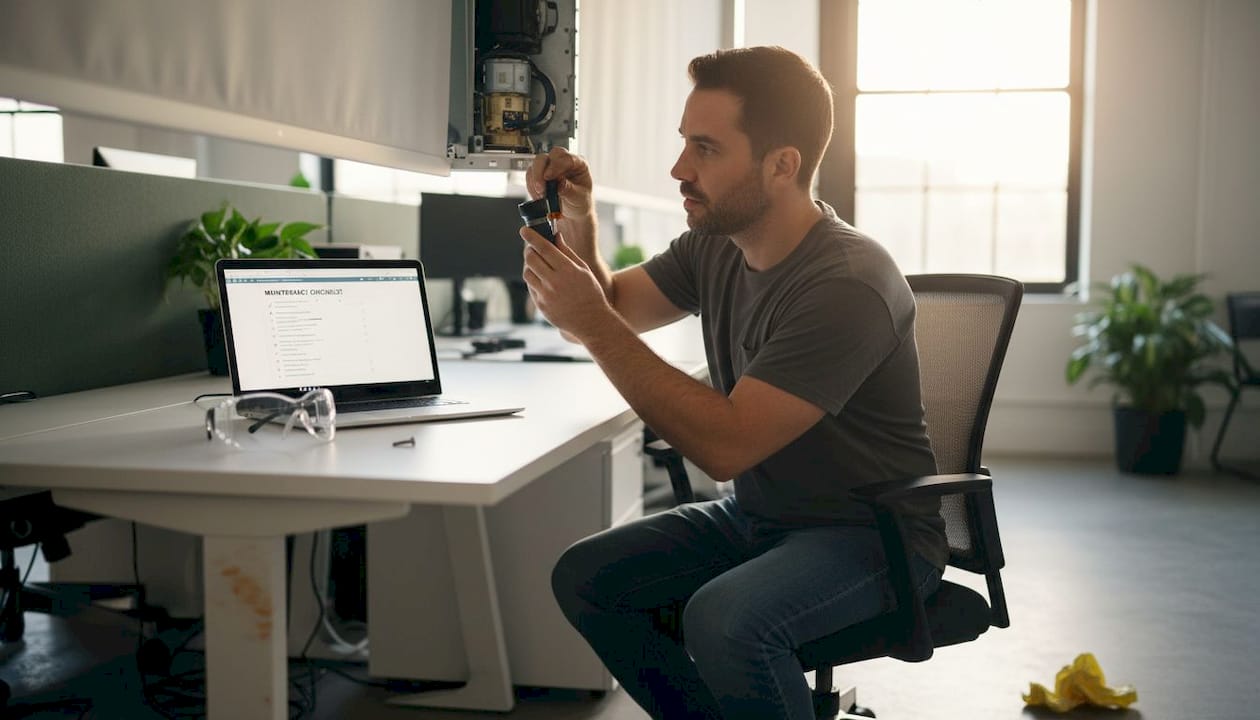
Routine inspection of motors prevents unexpected failures and extends shade lifespan significantly. Here’s what to watch and listen for:
Warning signs that need attention:
- Grinding or clicking sounds during movement
- Jerky or uneven travel along the track
- Shade stopping before reaching the top or bottom limit
- Remote commands that require multiple presses to register
- Batteries draining faster than usual
Pro Tip: Only use manufacturer-approved lubricants on moving parts. General-purpose oils can attract dust and actually make friction worse over time. Check your product manual or contact the manufacturer before applying anything.
Here’s a quick comparison of what maintenance looks like for manual versus motorized shades:
| Task | Manual shades | Motorized shades |
|---|---|---|
| Dusting | Monthly | Monthly |
| Deep cleaning | Every 6 months | Every 6 months |
| Battery check | Not applicable | Every 3 months |
| Mechanism inspection | Annually | Every 6 months |
| Lubrication | Rarely needed | Annually (approved products only) |
| Professional checkup | Optional | Recommended annually for smart systems |
For high-end or smart home-integrated shades, an annual professional inspection is worth the cost. A technician can spot early signs of motor wear, check wiring integrity, and recalibrate limit settings with precision. You can also explore the full range of motorized blind benefits to understand what you’re protecting with this level of care.
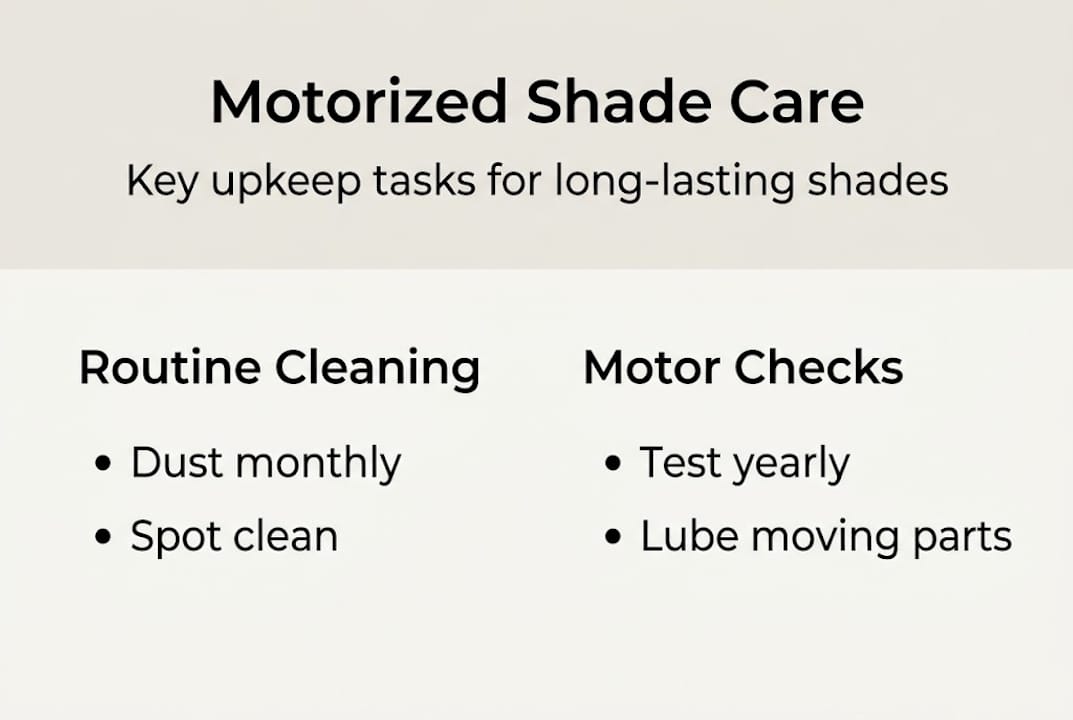
Equipped with care tips for both fabric and mechanics, let’s tackle what to do when something goes wrong.
Troubleshooting common motorized shade issues
Even with great maintenance habits, issues can still pop up. The good news is that many common shade operation problems are fixable without professional help.
Quick checks to run first:
- Is the power source active and the outlet working?
- Are the batteries fresh and properly seated?
- Is the remote within range and properly paired to the shade?
- Has the shade been manually moved out of its programmed limit range?
- Is there any visible obstruction in the track?
Here’s a practical breakdown of the most common problems and how to handle them:
| Problem | DIY fix | Call a technician if… |
|---|---|---|
| Shade won’t respond to remote | Replace batteries, re-pair remote | Motor makes no sound at all |
| Shade closes unevenly | Reset limit settings per manual | Track is visibly bent or damaged |
| Batteries drain too quickly | Check for signal interference | Motor runs continuously without stopping |
| Shade stops mid-travel | Clear obstructions, reset limits | Burning smell or visible wiring damage |
| Smart features not working | Update firmware, restart hub | App shows persistent connection errors |
Before attempting any repair, always check your warranty. Some fixes, especially anything involving the motor or internal wiring, can void coverage if done incorrectly. Resources for fixing common shade malfunctions walk through these steps in detail.
If you’re interested in upgrading your existing setup, DIY motorized shade upgrades are a great option for adding automation without replacing your entire window treatment. And if you’re starting fresh, our guide to expert motorized shade setup covers everything from measuring to mounting.
Now you’ve covered proactive care and troubleshooting, let’s wrap up with some unconventional tips from industry experience.
A professional perspective: What most people overlook in motorized shade maintenance
Most homeowners do a decent job cleaning the fabric. What they miss is everything else. The biggest gap we see is firmware. Smart motorized shades run on software, and that software gets updates. Skipping those updates is like ignoring your phone’s security patches. The shade may look fine, but glitches accumulate quietly until something stops working.
Seasonal recalibration is another overlooked step. Temperature changes cause materials to expand and contract slightly. A shade calibrated perfectly in summer may drift off its limits by winter. A quick reset every season keeps movement accurate and reduces motor strain.
Temperature extremes are also harder on motors than most people realize. Shades installed near south-facing windows or in rooms that get very cold in winter should be checked more frequently. That extra thermal stress adds up.
“Long-term reliability comes from small, consistent habits, not dramatic one-time fixes.”
For deeper issues that routine care can’t resolve, our advanced troubleshooting advice covers the scenarios that need a closer look.
Pro Tip: Add two calendar reminders right now. One monthly for dusting and a battery check, and one annual for a full inspection, firmware update, and recalibration. That simple habit protects your investment better than any single repair ever could.
Upgrade your shades with expert solutions from Value Blinds™
Sometimes maintenance reveals that a shade is simply past its best. Or maybe you’ve decided it’s time to upgrade to a system that’s easier to care for and smarter to operate. Either way, we’ve got you covered.
At Value Blinds, we offer a wide range of easy cordless blinds and beautifully crafted motorized woven shades built for lasting performance. If you’re working on a full room refresh or need help choosing the right style, our window treatment design studio connects you with expert guidance to match your space perfectly. Great shades start with great choices, and we make that process simple.
Frequently asked questions
How often should I maintain my motorized shades?
Basic dusting should happen monthly, while a full checkup or deeper cleaning is ideal every 6 to 12 months. Consistent cleaning extends shade lifespan and keeps daily operation smooth.
Can I use water to clean motorized shades?
Avoid direct water spray and only use a slightly damp cloth on fabric surfaces. Too much water can damage electrical components, so always keep moisture away from motors and battery compartments.
Why won’t my motorized shades respond to the remote?
Start by checking the power source, replacing batteries, and confirming the remote is paired correctly. Most motorized shade malfunctions are resolved by addressing basic power and signal connections first.
Do smart motorized shades need software updates?
Yes, updating firmware helps prevent glitches and can add new features to compatible smart shades. Check your manufacturer’s app or website regularly for available updates.
When should I call a professional for shade maintenance?
If the motor is unresponsive, wiring appears damaged, or troubleshooting steps don’t resolve the issue, contact a qualified technician. Professional inspection helps with persistent or complex problems that go beyond basic DIY fixes.